
Bizman 2.48.0 introduces improvements across task management, exports, statistics, client management, permissions, worklogs, and general navigation. This release focuses on making platform actions and navigation clearer, more consistent, and more reliable.
Clearer Client Logo Upload Alerts
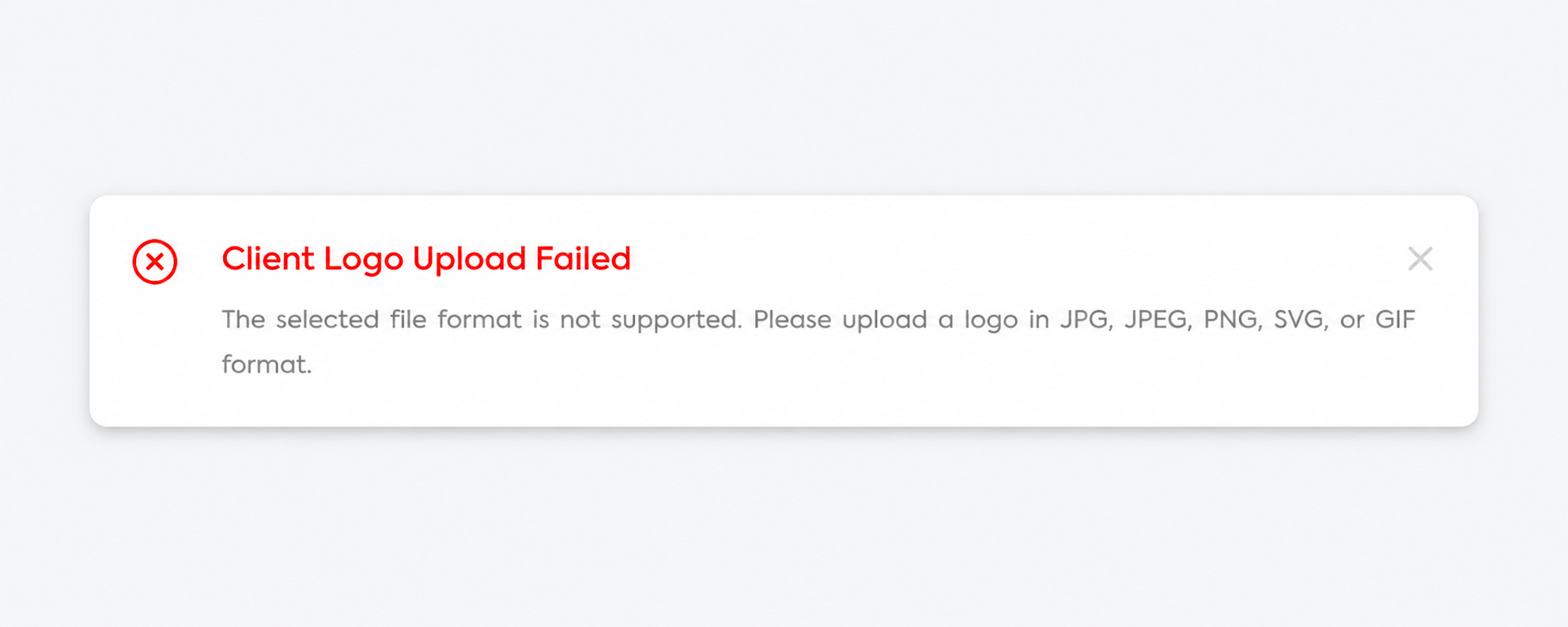
Failed client logo uploads now display a clearer message and list the supported file formats: JPG, JPEG, PNG, SVG, and GIF. This helps users select a compatible file and correct the issue quickly.
Consistent User Names in Statistics
Statistics pages now display users’ full first and last names consistently across filters, tables, headings, and drill-down pages. This makes users easier to identify, especially when several team members share the same first name.
Standardized Dropdowns and Filters
Dropdowns across Bizman now provide a more consistent experience, including:
- Alphabetical ordering where applicable
- Search functionality for longer lists
- Consistent single-select and multi-select behavior
- Checkboxes for multi-select filters
- Improved spacing and handling of selected options
These updates apply to areas such as Users, Active Timers, Work Logs, Clients, Validate Hours, Password Management, and HubSpot company selections.
Safer Worklog Restoration
When restoring a deleted worklog linked to a disabled client, Bizman now displays a confirmation showing the affected client. Authorized users can cancel or select Restore Anyway.
Corrected Client Note Dates
Client dashboard note dates now display more accurately across different time zones, providing a more reliable client history for distributed teams.
Improved Video Playback
Supported videos embedded in tasks can now be played correctly. Users can view tutorials and onboarding materials directly in Bizman without downloading the file.
Improved Task Page Layout
Task pages now use the available screen height more effectively. Long descriptions, comments, attachments, and task details remain easier to view and navigate on desktop and mobile.
Stronger Task Permission Controls
Users without permission to view tasks no longer appear in task-related selections, including:
- Assignees and followers
- Task description and comment mentions
- Task import assignee mapping
- Task-related dashboard shortcuts
This change applies only to task-related areas. Eligible users remain available in other sections based on their assigned permissions.
Improved Export Handling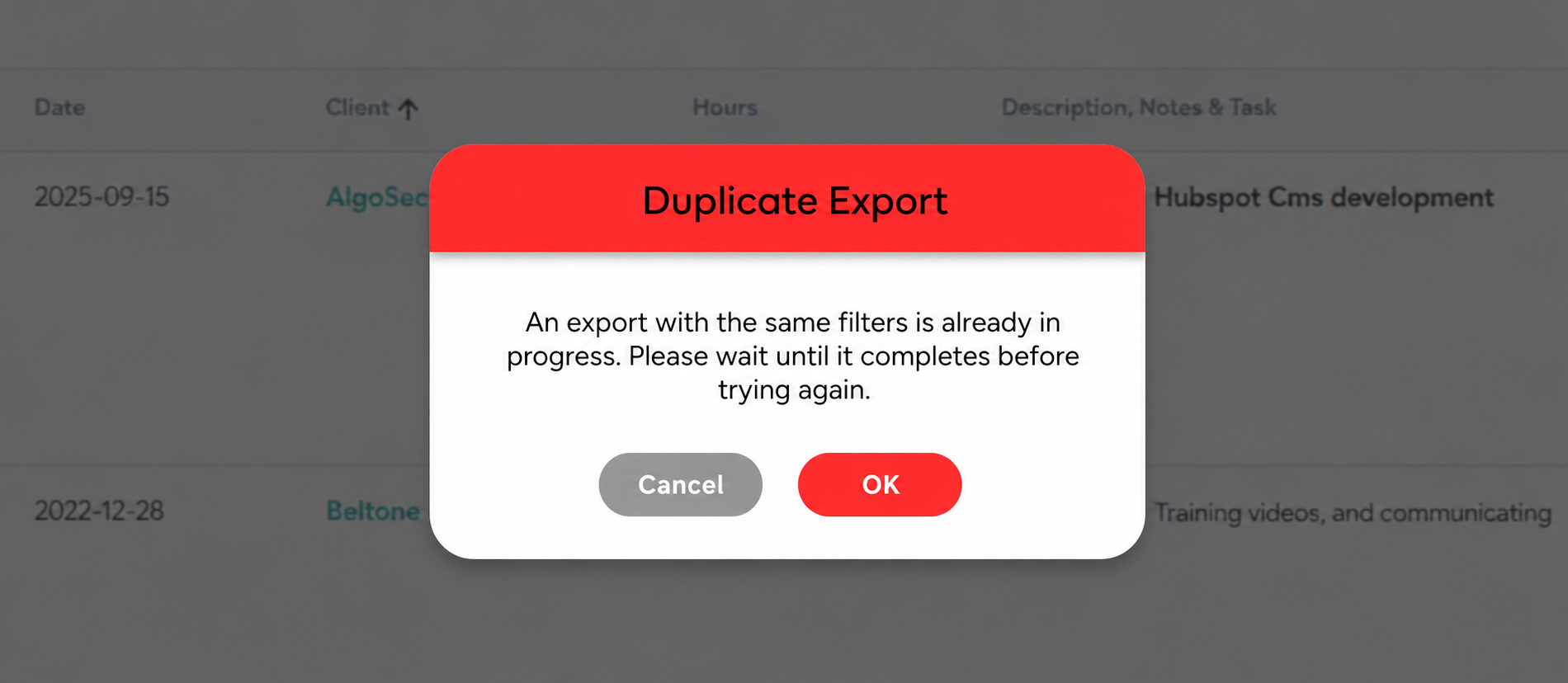
Bizman now prevents duplicate exports with the same filters while an identical request is processing. Users can still export from another section or apply different filters.
Large exports have also been optimized. If the dataset exceeds the supported limit, Bizman displays a warning and asks the user to narrow the filters before trying again.
Smoother Clients Page Scrolling
The double scrollbar issue on the Clients page has been fixed. On narrower screens, the scrollbar now moves to the outside of the table, allowing the page to use the available screen height more effectively.
This prevents the table from being limited to only one or two visible rows, especially when individual rows contain more content.
-
On this page