
Business management software helps SMBs streamline operations across finance, customer management, and service delivery. For service businesses, the challenge is finding a platform that supports projects, client communication, time tracking, and billing without adding unnecessary complexity. With hundreds of tools on the market, choosing the right solution can quickly become overwhelming.
Many service businesses start with spreadsheets and disconnected apps, but growth often exposes the limits of that setup. Missed billable hours, delayed invoicing, scattered client information, and limited visibility into profitability can all impact efficiency and revenue. The right software brings these processes into one system, improving visibility, consistency, and operational control.
This guide covers how to evaluate business management software for a service business, the features that matter most, and the signs your current setup is no longer scalable.
What Is Business Management Software for Service Firms?
Business management software for service businesses brings together client management, project delivery, time tracking, invoicing, and reporting in one system. Unlike general project management tools, these platforms are designed around the full client lifecycle, from quoting and delivery to billing and ongoing account management.
Most solutions fall into two categories: point solutions, where different tools handle separate functions, and all-in-one platforms that centralize operations in a single workspace. For growing service firms, choosing between them is a key operational decision. As businesses grow, spreadsheets and disconnected tools often create inefficiencies, limited visibility, and billing errors.
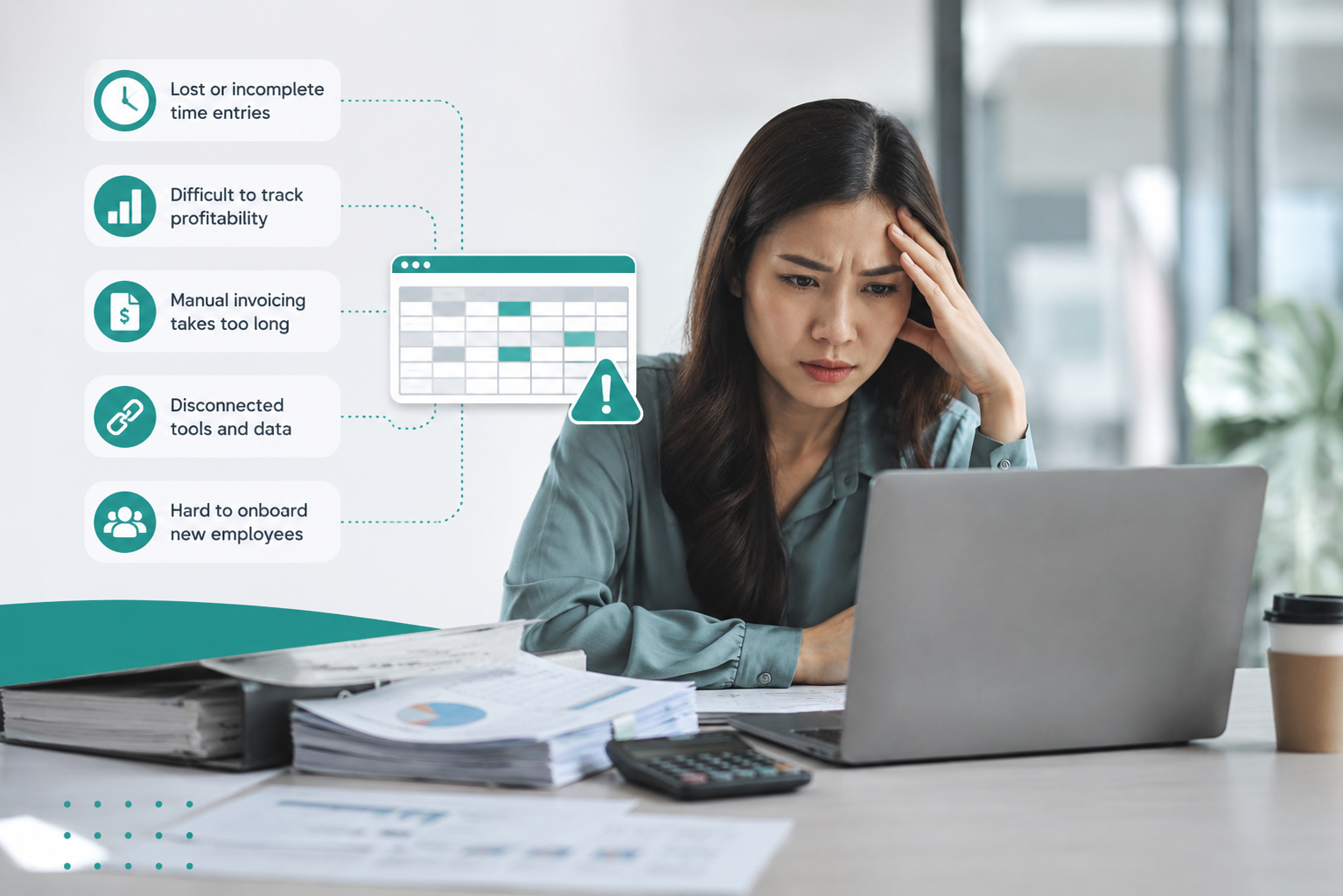
Common signs your business has outgrown spreadsheets include:
- Missed billable hours due to lost or incomplete time entries
- Difficulty tracking project or client profitability
- Long onboarding times for new employees
- Managing multiple client engagements across disconnected systems
- Manual invoicing that takes hours each billing cycle
According to Capterra, 2024, 24% of small and midsize businesses rely on spreadsheets for inventory management operations. As businesses scale, these manual systems can make it harder to maintain accurate reporting, streamline workflows, and manage operations efficiently.
How to Evaluate Business Management Software
Choosing service business software means selecting a platform that supports project delivery, field work, client communication, billing, and reporting without relying on scattered tools and manual processes. The right system should simplify operations, improve visibility, and scale with your business as client demands grow.
Use these steps to evaluate platforms more effectively:
-
Define your non-negotiables
Identify the 3 to 5 features your business cannot operate without, such as time tracking, invoicing, client portals, or project reporting. This helps separate essential functionality from optional extras. -
Review your billing model
Confirm the software supports the way you bill clients, whether hourly, fixed-fee, retainer-based, or a combination of models. Billing limitations often become costly later. -
Audit your current tools
List the software your team already uses for communication, accounting, project management, and reporting. A good platform should reduce tool fragmentation, not add to it. -
Ask about data migration
Moving client records, projects, invoices, and historical data should be straightforward. Vendors should clearly explain their migration process and support options. -
Test with real projects
Avoid evaluating software only through demos. Run a 30-day trial using an actual client engagement to see how the platform performs in day-to-day operations. -
Check accounting compatibility
Make sure your accounting process fits smoothly with the platform. Your accountant or bookkeeper should be able to easily access, export, and reconcile financial data without relying on manual workarounds or duplicate entry. -
Evaluate the mobile experience
If your team works remotely or on-site with clients, test how easily employees can track time, update tasks, and access information from mobile devices.
Key Features to Prioritize

The best business management software should do more than organize tasks. It should help your team reduce manual work, improve billing accuracy, and give better visibility into project performance and client operations. When comparing platforms, prioritize features that directly support efficiency, profitability, and collaboration.
|
Feature |
Why It Matters |
|
Integrated time tracking |
Automatically connects billable hours to invoicing and reporting, reducing manual entry and missed revenue |
|
Client portal |
Gives clients access to updates, invoices, files, and approvals in one place, reducing back-and-forth communication |
|
Project profitability reports |
Helps identify which projects, services, or clients are generating the strongest margins |
|
Recurring invoice automation |
Saves time and improves billing consistency for retainers, subscriptions, and ongoing service agreements |
|
Role-based permissions |
Ensures employees only access the information relevant to their responsibilities while protecting sensitive financial data |
Choose Software That Scales with Your Business
The right business management software should simplify operations, improve visibility into financial performance, and help your team manage client work more efficiently. Instead of choosing based on feature count alone, focus on how well the platform supports your billing model, workflows, team structure, and long-term growth.
As service businesses scale, disconnected tools and manual processes often create delays, reporting gaps, and lost revenue opportunities. A centralized platform can help reduce administrative overhead while giving teams clearer insight into projects, profitability, and client operations in real time.
Looking for a platform built specifically for service businesses? Learn how Bizman helps teams manage projects, time tracking, billing, and operations in one system.
Popular Posts

Business management software helps SMBs...

Time tracking software is a digital tool that...

Worked long hours with little progress? It’s a...